

Case
Blog

UNMS Modernises Telephony Without Disrupting Business

Seamlessly integrated Microsoft Teams with their existing phone system

Enabled flexible, device-independent communication for all users

Avoided a risky and disruptive "big bang" migration
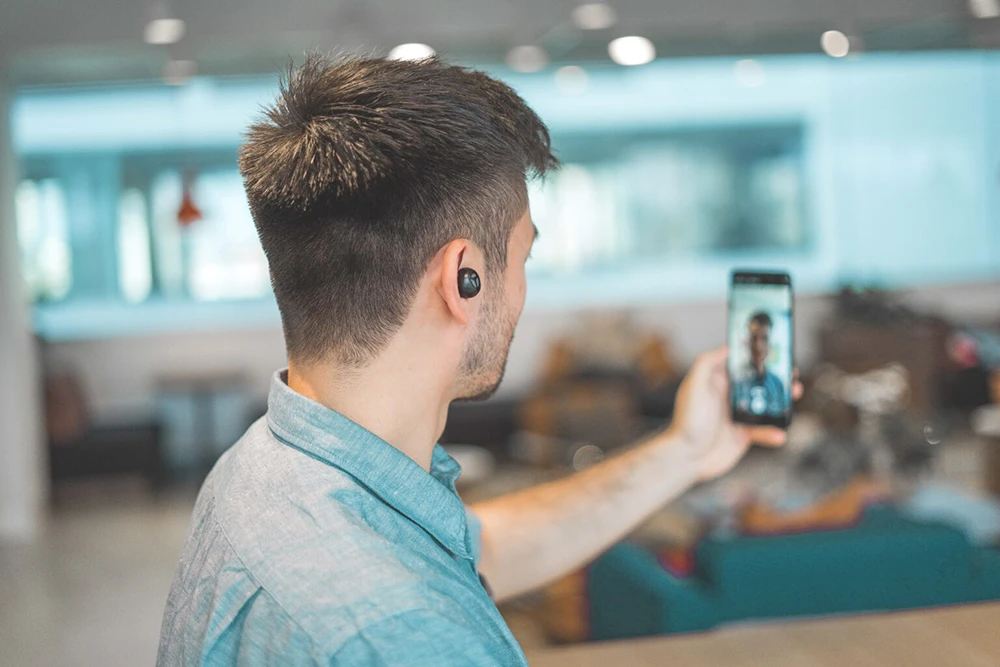
Photo of a man holding his phine during a call.
No items found.
Photo of a man holding his phine during a call.

We needed to extend our telephony for modern work, but we absolutely could not afford a disruptive, 'big bang' migration. Auxility understood this perfectly and delivered a solution that integrated seamlessly with our existing systems.

IT Director, UNMS

Bridging Traditional Telephony with Modern Collaboration

UNMS wanted to enable their people to work from anywhere, on any device.

The challenge was to extend their classic PSTN telephone network without replacing it entirely.

They needed a solution that would allow new voice capabilities through Microsoft Teams while ensuring that internal communication between the old and new systems remained completely seamless.

“Extend our current PSTN solution without causing an internal landslide”. That’s how you could briefly describe the question UNMS presented to us. A nice challenge and a great example of how we configured a PSTN extension in a cost-effective and user-friendly way. Read the entire story!”

Extend PSTN Solution Without a Big Bang

UNMS aimed to extend their current classic PSTN solution (Public Switched Telephone Network), so people would be able to work place, time, and device-independent. The customer already used Skype and Teams for internal communications.

The biggest challenge was that they didn’t want a big bang migration and still desired to keep using the current classic PSTN environment. They also wanted to keep the internal communication between Teams and systems as smooth as possible, with ‘short numbers,…’. Whatever system the client used, they should be able to call a colleague seamlessly.

People in a trainstaton, photo taken form higer up, zoomed out.

Cost-Effective and User-Friendly Approach

We suggested to add voice telephony to the Teams tenant, so they could realise their goals in a cost-effective and user-friendly way. As the clients were already familiar with Teams, the user adoption would be much less.  We created a direct routing gateway to extend the existing PSTN solution to Teams. By means of this, the customer could still use the old telephony where they prefer, and easily move to Teams voice if desired.

Well-Defined Phased Roll-Out

In agreement with the customer, we opted for a phased solution. We worked according to the following process:


  1. Gather the business needs and customer requests.
  2. Deliver a project plan with timelines and regular customer reviews.
  3. Design
    • Create a tailor-made design, with a realistic scope of what will be possible, and what won’t.
    • Agree with the client on design, scope, and cost.
    • List all the functionalities and scenarios the customer can have.
  4. Build
    • Get all the prerequisites, actions, and responsibilities. Act upon them.
      • Ensure all the information is gathered.
      • Agree with the customer who will be responsible for what.
      • Make sure all prerequisites are met and build can continue.
    • Testing
      • Create an extended test plan with all the functionalities and scenarios the customer can have.
      • Agree on the action and test plan review
    • Proof of concept.
      • Create a proof of concept which includes the basics of the scope.
      • Have them tested and signed off. (basic calling, policies,…).
      • Extend the proof of concept with the items that were in scope.
      • Execute the test plan and have it signed off.
    • Implement the infrastructure in production
      • Create the infrastructure according to all specifications (hardware, software, backup, functionalities, security,…).
      • Document the complete infrastructure.
      • Validate the infrastructure.
      • Create maintenance and backup plans.

  5. Customer-centric implementation
    • Have customer meetings on how to implement voice to the users.
    • Train the IT staff and hand out documentation.
    • Design a user migration/implementation plan.
      • Only users?
      • Are phone groups needed?
      • Special cases: reception, meeting rooms,…
    • Migrate the end-users according to the plan.
Contact us

Let's Work Together

If our services align with your needs, just tell us a bit about your situation. Our team will reach out to explore how Auxility can help.

Thank you! Your submission has been received!
Oops! Something went wrong while submitting the form.

Read Our Other Customer cases

Beddeleem, bold black typographic logo with a red square in the bottom left xorner of the B.
Stockimage of two female employees walking the office building.

Beddeleem Saves Time And Gains Peace of Mind With Automated Patch Management

Beddeleem Saves Time And Gains Peace of Mind With Automated Patch Management

Unipso grey logo with a green-blue fluent s.
Stockimage of a woman taking down some notes, zoomed in on her hands.

M365 Governance: A Tailored Roadmap To A Secure Environment

M365 Governance: A Tailored Roadmap To A Secure Environment

We’re proud of the results we deliver and the partnerships we build with our clients.

Dive into our case studies to see how we have helped businesses overcome their IT challenges and improve their day-to-day work.

View all cases

Read Our Other Technial Blogs

Is It Possible To Take My Information Off The Dark Web?

Is It Possible To Take My Information Off The Dark Web?

The Road To The New Outlook

The Road To The New Outlook

Beyond case studies, we also share our technical knowledge directly. Our blog is where our experts offer practical tips, explain complex topics, and discuss the latest trends in technology and security.

Explore our articles to get actionable advice and stay ahead of the curve.

View all blogs